
Introduction
Oracle Multitenant architecture provides database administrators with different approaches to upgrade databases to a newer Oracle Database release. When working with Container Databases (CDBs) and Pluggable Databases (PDBs), one of the most important decisions is whether to upgrade the entire CDB or upgrade an individual PDB.
For organizations planning to move to Oracle AI Database 26ai, selecting the right upgrade approach can significantly affect downtime, infrastructure requirements, rollback options, and Data Guard configuration.

Oracle provides two main approaches:
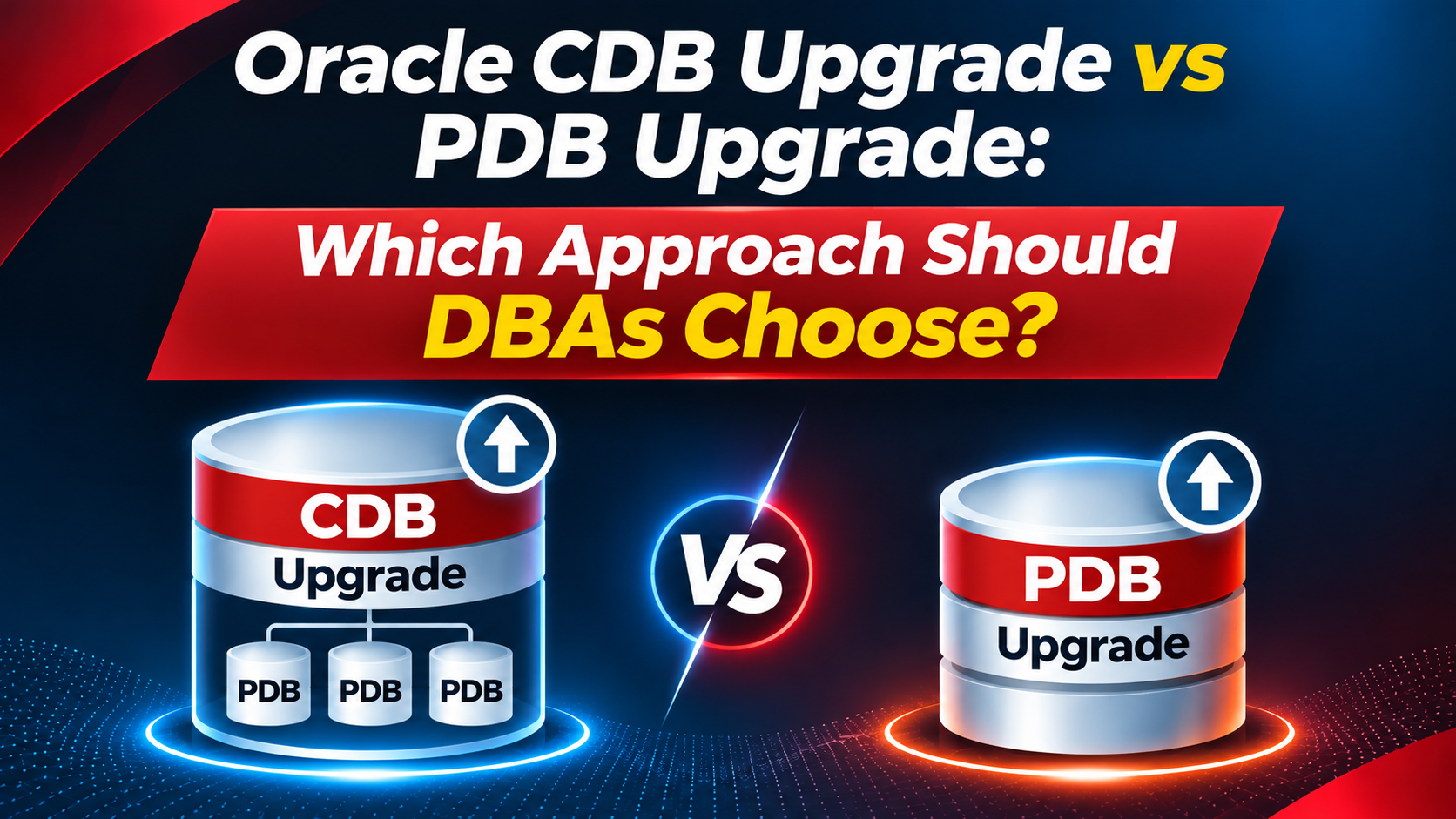
- CDB Upgrade: Upgrade the entire Container Database, including all its Pluggable Databases.
- PDB Upgrade: Upgrade an individual Pluggable Database using an unplug-and-plug or related migration approach.
Both methods have advantages and limitations. The best choice depends on the database architecture, availability requirements, infrastructure capacity, and migration strategy.
This article explains both approaches and provides practical guidance to help Oracle DBAs choose the most appropriate upgrade method.
1. Understanding Oracle CDB and PDB Architecture
Before comparing the upgrade approaches, it is important to understand the relationship between a CDB and its PDBs.
A Container Database consists of:
- CDB$ROOT: The root container containing Oracle-supplied metadata and common components.
- PDB$SEED: A template used to create new PDBs.
- User PDBs: Individual databases that contain application data and application-specific objects.
For example, consider the following environment:
| Container | Description |
|---|---|
| CDB$ROOT | Root container |
| PDB$SEED | Seed PDB |
| BANKING_PDB | Banking application |
| FINANCE_PDB | Finance application |
| REPORTING_PDB | Reporting application |
In this architecture, all PDBs belong to the same CDB and share the underlying Oracle Database software installation.
When planning an upgrade, DBAs must decide whether all containers should move to the new release together or whether a specific PDB should be moved independently.
2. What Is a CDB Upgrade?
A CDB upgrade upgrades the entire Container Database, including its root container and all associated PDBs.
This follows the many-as-one principle: the CDB and its PDBs are upgraded together as a single database environment.
According to the Oracle masterclass, the main characteristics of a CDB upgrade are:
- The entire CDB, including all PDBs, is upgraded.
- It requires less additional work and provides more automation.
- It can be performed as an in-place upgrade.
- It supports Flashback Database.
- It integrates with Data Guard and RMAN.
- The upgrade may take at least 30–45 minutes and can take several hours, depending on the environment.
The actual duration depends on database size, installed components, CPU resources, PDB count, and application workload.
CDB upgrade architecture
In a typical out-of-place software upgrade, the DBA installs the new Oracle Database release in a separate Oracle Home and uses AutoUpgrade to upgrade the database.
The conceptual process is:
- Install the target Oracle Database software.
- Prepare the source CDB.
- Configure AutoUpgrade.
- Run Analyze and Fixups.
- Execute the Deploy operation.
- Upgrade CDB$ROOT and the associated PDBs.
- Validate the upgraded environment.
The upgrade process coordinates the containers and performs the required dictionary and component upgrades.
Advantages of a CDB upgrade
1. Simpler upgrade management
Instead of managing individual PDB upgrades, the DBA upgrades the complete CDB.
2. Better automation
Oracle AutoUpgrade can automate the pre-upgrade checks, fixups, upgrade execution, and post-upgrade activities.
3. Flashback Database support
The masterclass identifies Flashback Database support as an important advantage of the CDB upgrade approach.
4. Data Guard and RMAN integration
The CDB upgrade approach provides a more straightforward integration with existing Data Guard and RMAN protection strategies.
5. Suitable for environments where all PDBs must move together
If all applications hosted in a CDB are ready to move to the new release, upgrading the entire CDB is generally the simpler approach.
3. What Is a PDB Upgrade?
A PDB upgrade focuses on moving an individual Pluggable Database to a newer Oracle Database environment rather than upgrading the entire source CDB as one unit.
The masterclass describes this approach as an unplug-and-plug style operation. The PDB is moved or cloned into an additional CDB running the target Oracle Database release.
This approach can be useful when an organization wants to migrate one application database independently of the other PDBs.
PDB upgrade architecture
Consider an existing environment:
Source CDB – Oracle Database 19c
- CDB$ROOT
- BANKING_PDB
- FINANCE_PDB
- REPORTING_PDB
The organization wants to migrate only BANKING_PDB to Oracle AI Database 26ai.
A separate target CDB is prepared using the target Oracle Database release. The selected PDB is then moved or cloned to that environment and upgraded as required.
The other PDBs can remain in the original CDB.
Main characteristics of a PDB upgrade
According to the masterclass, this approach has several important characteristics:
- An additional CDB is required.
- It is an out-of-place upgrade approach.
- Additional infrastructure resources are required.
- The PDB is moved or cloned.
- Flashback Database is not supported for this PDB upgrade method.
- Additional Data Guard configuration and recovery work may be required.
- Restoring between containers requires pre-plugin backups.
These limitations should be considered carefully before selecting this method.
Advantages of a PDB upgrade
1. Independent PDB migration
A DBA can move a selected PDB without upgrading every other PDB in the source CDB.
2. Application-level migration flexibility
Different application databases can be migrated according to their own project timelines.
3. Separate target environment
The target PDB can run in a different CDB, allowing the organization to establish a new database environment for the migrated application.
4. Useful for consolidation and separation projects
This approach can support database consolidation, application separation, and migration to a new infrastructure platform.
4. CDB Upgrade vs PDB Upgrade: Key Differences
The following table summarizes the comparison presented in the Oracle masterclass.
| Feature | CDB Upgrade | PDB Upgrade |
|---|---|---|
| Upgrade scope | Entire CDB, including all PDBs | Individual PDB |
| Architecture | Many-as-one | PDB moved or cloned |
| Additional CDB | Not required for the in-place approach | Required |
| Upgrade approach | Can be in-place | Out-of-place |
| Additional resources | No extra resources required for the in-place approach | Additional resources required |
| Flashback Database | Supported | Not supported for this method |
| Data Guard | Seamless Data Guard and RMAN integration | Additional Data Guard work |
| Restore between containers | Not the same container-move workflow | Requires pre-plugin backups |
| Operational effort | Less work and more automation | More preparation and coordination |
| Typical duration | At least 30–45 minutes; potentially hours | Depends on the PDB move, clone, and upgrade operations |
Important: These are characteristics of the approaches described in the masterclass. Actual upgrade duration and resource requirements depend on the environment and implementation method.
5. Which Approach Is Faster?
The answer depends on what needs to be upgraded.
If the requirement is to upgrade the entire CDB, a CDB upgrade is generally the more straightforward approach because all PDBs are handled together.
If the requirement is to migrate only one PDB, a PDB-level approach may reduce the scope of the application migration. However, it introduces additional work because a separate target CDB and additional resources are required.
The masterclass describes the CDB upgrade as the easier approach and the single-PDB approach as the fast approach in the context of its migration examples.
However, do not assume that an individual PDB migration will always finish faster. Data movement, cloning, network throughput, storage performance, and post-migration validation can affect the total elapsed time.
6. Data Guard Considerations
Data Guard is an important consideration when choosing an upgrade strategy for production databases.
The masterclass highlights a difference between CDB and PDB upgrade operations.
CDB upgrade and Data Guard
The CDB upgrade approach provides integration with Data Guard and RMAN.
DBAs should still prepare the standby environment, validate the upgrade procedure, and follow the appropriate Oracle upgrade and recovery instructions for their topology.
PDB upgrade and Data Guard
PDB-level migration requires additional Data Guard work.
The masterclass also explains two recovery approaches when creating or plugging in PDBs on a standby database.
Enabled recovery
With enabled recovery:
- The PDB creation operation is propagated to the standby through redo.
- The standby records the PDB creation.
- The standby locates the PDB data files.
- Managed Recovery Process (MRP) applies redo to the PDB.
- The PDB is immediately protected.
Deferred recovery
With deferred recovery:
- The PDB creation operation is recorded on the standby.
- The standby ignores the PDB data files during the operation.
- MRP skips the corresponding redo.
- The PDB becomes protected after the required restore operation.
The masterclass illustrates the use of STANDBYS=ALL for enabled recovery and STANDBYS=NONE for deferred recovery.
Example syntax:
CREATE PLUGGABLE DATABASE banking_pdb
  FROM source_pdb
  STANDBYS=ALL;
For deferred recovery:
CREATE PLUGGABLE DATABASE banking_pdb
  FROM source_pdb
  STANDBYS=NONE;
These examples illustrate the recovery options. The actual syntax and procedure must be validated against the specific PDB creation or plug-in operation and Oracle Database release.
Important: The masterclass specifically notes that a refreshable clone approach works only with deferred recovery on the standby database. The standby PDB must be restored after disconnecting the source non-CDB in the described migration scenario.
7. Rollback and Recovery Considerations
Rollback planning should be completed before starting any production upgrade or migration.
The two approaches do not offer identical recovery options.
CDB upgrade rollback
The masterclass identifies Flashback Database support as one of the benefits of the CDB upgrade approach.
Depending on the upgrade design and database configuration, DBAs can evaluate Flashback Database, restore points, and RMAN backup and recovery as part of the rollback strategy.
Before relying on a guaranteed restore point, confirm that Flashback Database is enabled, the recovery area has sufficient capacity, and the restore-point strategy has been tested.
PDB upgrade rollback
The PDB upgrade approach described in the masterclass does not support Flashback Database.
It identifies the following rollback considerations:
1. Backup and restore
- Ensure a recent backup is available.
- Allow sufficient time for restore and recovery.
- Validate the backup before the migration.
2. Copy data files
- Requires additional disk space.
- Requires time to copy the data files.
- Provides a separate copy that can be used in the recovery plan.
3. Refreshable clone PDB
- Requires time and additional storage.
- Requires space to maintain a copy of the data files.
- Requires Oracle Database 12.2 or later, as stated in the masterclass.
For PDB migration, the masterclass also emphasizes that restoring between containers requires pre-plugin backups.
A rollback strategy should therefore be agreed upon before the migration begins.
8. When Should DBAs Choose a CDB Upgrade?
A CDB upgrade is generally the preferred approach when:
- All PDBs are ready to move to the target release.
- The organization wants to upgrade the complete database environment.
- Existing Data Guard and RMAN integration should be retained.
- The organization prefers a simpler and more automated upgrade process.
- Flashback Database is an important part of the rollback strategy.
- There is no requirement to separate individual applications into different CDBs.
For example, if a production CDB hosts three PDBs and all three applications have completed testing for Oracle AI Database 26ai, upgrading the entire CDB may be the most straightforward option.
9. When Should DBAs Choose a PDB Upgrade?
A PDB-level migration may be appropriate when:
- Only one application PDB needs to move to the new release.
- Other PDBs must remain on the existing CDB.
- The organization wants to move an application to a separate target CDB.
- A new infrastructure environment is being introduced.
- Application migration schedules are independent.
- Additional target resources and recovery procedures can be provided.
For example, consider a CDB hosting Banking, Finance, and Reporting applications.
If only the Banking application is approved for migration, the organization may choose to move the Banking PDB to a separate target CDB while keeping the other applications on the source CDB.
This provides migration flexibility, but the additional infrastructure and recovery requirements must be planned.
10. Practical DBA Decision Checklist
Before selecting an upgrade method, evaluate the following questions.
| Question | Why it matters |
|---|---|
| Do all PDBs need to be upgraded? | Determines whether a full CDB upgrade is appropriate. |
| Is only one PDB being migrated? | May justify a PDB-level migration. |
| Is an additional target CDB available? | Required for the PDB approach described in the masterclass. |
| Is sufficient storage available? | Needed for cloning, copying data files, and rollback. |
| Is Flashback Database required? | The described CDB approach supports it; the PDB approach does not. |
| Is Data Guard configured? | Determines the standby recovery and synchronization work. |
| Are pre-plugin backups available? | Important for restoring between containers. |
| Has the rollback procedure been tested? | Reduces recovery risk during production migration. |
| Have application owners approved the downtime? | Ensures the migration is operationally acceptable. |
11. Recommended Upgrade Planning Approach
Regardless of the selected method, DBAs should follow a structured preparation process.
Step 1: Assess the existing database
Collect information about:
- Oracle Database version and release update.
- CDB and PDB configuration.
- Installed database components.
- Database size and storage utilization.
- Character sets and time zone file version.
- Data Guard configuration.
- Application dependencies.
Step 2: Select the upgrade strategy
Decide whether the requirement is to upgrade the complete CDB or migrate an individual PDB.
Document the reasons for selecting the approach.
Step 3: Prepare the target environment
For an out-of-place CDB upgrade, prepare the target Oracle Home.
For a PDB migration, prepare the additional target CDB and allocate sufficient CPU, memory, and storage resources.
Step 4: Prepare backup and recovery
Confirm that valid backups are available.
For PDB migration, pay particular attention to pre-plugin backups and the restore procedure between containers.
Step 5: Validate Data Guard
Document the standby recovery approach and verify that the required recovery operations are understood.
Step 6: Perform a test migration
Test the selected approach in a non-production environment.
Measure the migration duration and validate application functionality.
Step 7: Execute production migration
Follow the approved runbook, monitor database operations, and perform post-migration validation.
12. Final Recommendation
There is no single upgrade approach that is best for every Oracle Multitenant environment.
Choose a CDB upgrade when the entire database environment needs to move together. It provides a simpler operational model, greater automation, Flashback Database support, and better integration with Data Guard and RMAN.
Choose a PDB upgrade when an individual application database needs to move independently. It provides migration flexibility but requires an additional CDB, more infrastructure resources, additional Data Guard work, and a carefully designed backup and recovery strategy.
The most important lesson for DBAs is to select the upgrade method based on the required migration scope and recovery requirements—not simply on the expected upgrade duration.
A well-planned upgrade strategy should always include infrastructure assessment, backup validation, Data Guard planning, rollback preparation, and application testing.
Conclusion
Oracle CDB and PDB upgrade approaches solve different operational requirements.
CDB upgrades are suitable when all PDBs should move together, while PDB-level migration is useful when individual applications need to move independently.
For Oracle AI Database 26ai migration projects, understanding these differences before implementation can help DBAs reduce operational complexity, avoid unexpected recovery challenges, and select a migration strategy that meets business requirements.
Plan the migration carefully, validate the recovery strategy, and test the complete procedure before performing the production upgrade.
Oracle 19c to Oracle 26ai Database Upgrade Using DBUA – Step-by-Step Real-World Guide