
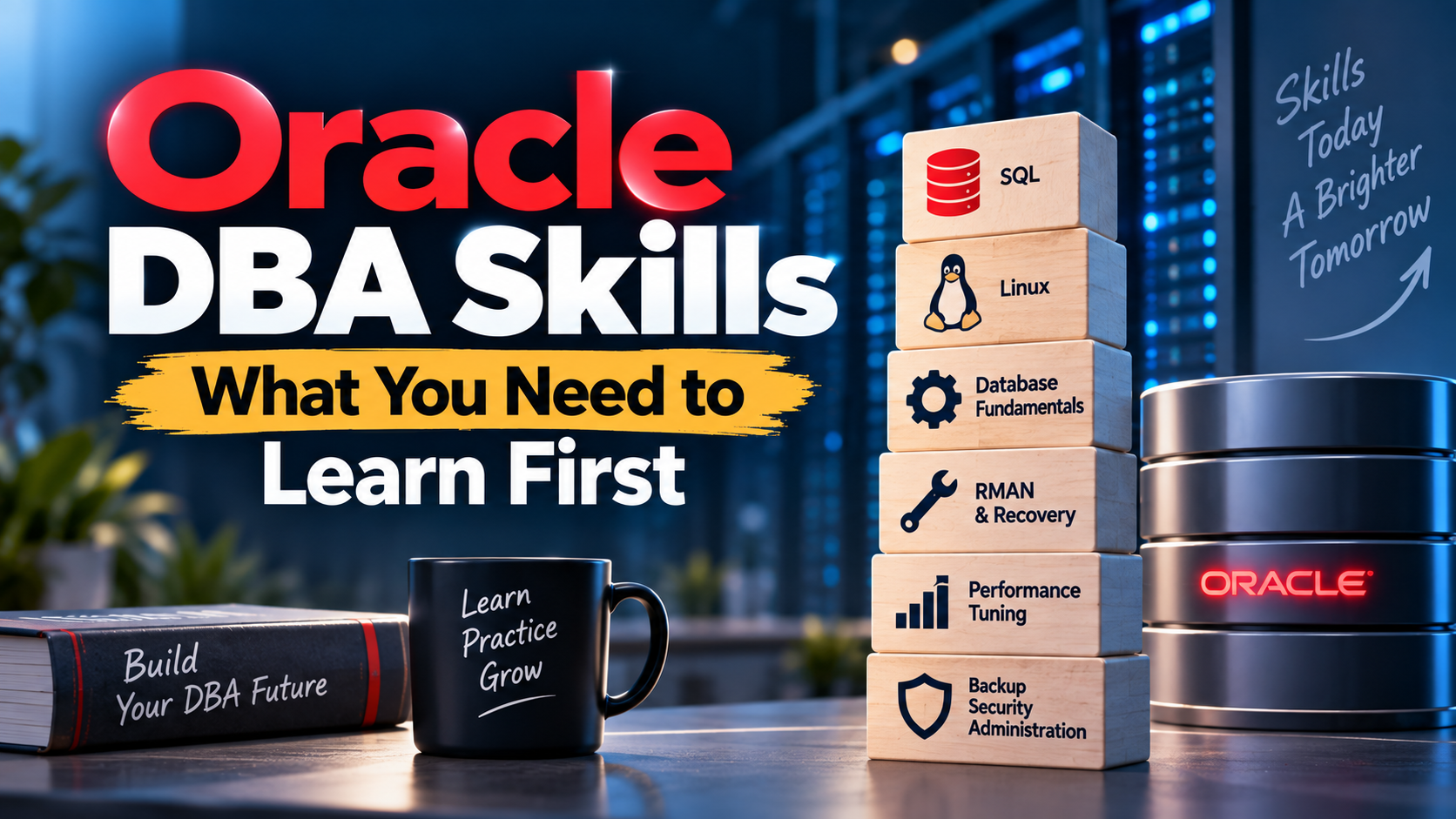
Ask ten working DBAs about Oracle DBA skills and you’ll get ten different lists. Mine changed a lot over eleven years, and not always in the direction I expected. When I started, I thought the job was mostly commands. It turned out to be judgment, with commands as the tool you use once you’ve decided what to do.
Still, there is a core set of skills that nearly every Oracle DBA needs, whether you end up at a bank, a telecom operator or a government project. Some are technical. A few aren’t, and people tend to skip those. Let me go through them roughly in the order I’d learn them if I were starting over today.

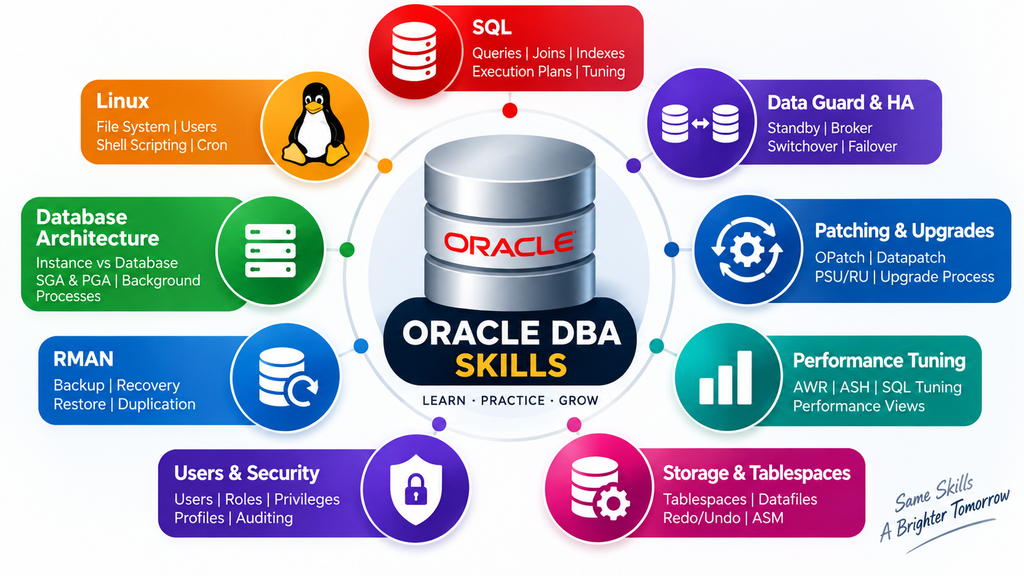
Start with SQL, and go deeper than you think you need
Everybody says “learn SQL” and then stops at SELECT and WHERE. That’s not enough. A DBA reads SQL all day, mostly other people’s SQL, and often badly written SQL at that.
You should be comfortable with joins of every kind, subqueries, grouping, analytic functions, and set operations. More important, learn what an execution plan is telling you. Why did the optimizer choose a full table scan? Why is that index being ignored? Once you can read a plan without squinting, you’ve picked up one of the most useful Oracle DBA skills there is, because most “the database is slow” tickets are really “this one query is doing something silly” tickets.
Add PL/SQL too. You don’t need to be a developer, but you’ll read procedures, debug packages, and write small scripts for maintenance tasks. Cursors, exceptions and basic package structure will cover most of what you meet.
Linux is half the job
This one surprises newcomers. Oracle runs mostly on Linux in production, so a big share of your day is spent at a shell prompt, not inside SQL*Plus.
You need to move around the file system with confidence, check disk and memory usage, read logs, manage processes, handle permissions, and schedule jobs with cron. Learn the vi editor well enough not to panic. Understand how mount points work, because I’ve seen more than one outage that had nothing to do with Oracle itself. A file system filled up, the archive logs had nowhere to go, and the database stopped. [Replace with one of your own real incidents, even a minor one.]
Shell scripting is the natural next step. Most repetitive DBA work eventually becomes a script. I ended up writing a small Python tool to handle routine housekeeping on my own systems, and I’d say scripting in either language pays for itself within a month.
Understand the architecture before touching the advanced stuff
You can memorize commands all day and still get lost the moment something unusual happens. Architecture is what gives you a mental map.
Know the difference between the instance and the database. Know what lives in the SGA and PGA, and what the main background processes do: DBWR, LGWR, CKPT, SMON, PMON. Understand how a transaction moves from COMMIT through the redo log to the datafiles, and what undo is doing quietly in the background. Learn the logical storage layers too, from tablespaces down to blocks.
Then add multitenant, because in modern versions you’ll work with container and pluggable databases whether you like it or not. If you can explain all this to a friend over tea, you’re in decent shape.
Backup and recovery, the skill that pays the bills
If I had to pick a single area where DBAs earn their salary, it would be this one. Anyone can schedule a backup. The real skill is restoring under pressure.
Learn RMAN properly. Full and incremental backups, backup validation, restoring datafiles, block recovery, point-in-time recovery, and what changes when you’re running in ARCHIVELOG mode. Practice restoring to a different server. Practice recovering a database with a missing control file. Practice it until you’re bored, because on the day it’s real, you won’t have time to be careful and slow.
I’d also say learn to distrust your backups. A backup you’ve never tested is really just a hope.
Performance tuning
This is where reputations get made. Tuning is a big field and you won’t master it quickly, but you should build the habit early: find the actual bottleneck before you change anything.
Get familiar with AWR and ASH reports, wait events, and the difference between a CPU problem, an I/O problem and a contention problem. Learn how statistics work and why stale ones cause bad plans. Understand indexing trade-offs. Look at what SQL Tuning Advisor suggests, but don’t accept its answers blindly. Sometimes it’s right. Sometimes it recommends an index that would hurt everything else.
The biggest mistake beginners make here is changing parameters at random. Don’t. Measure first.
Security and user management
Security often gets treated as someone else’s problem, until an audit lands on your desk. As a DBA you’re responsible for users, roles and privileges, password policies, auditing, and encryption. Learn the principle of least privilege and actually apply it.
Understand Transparent Data Encryption, unified auditing, and what a proper privilege review looks like. My own background in cybersecurity made me pay attention to this early, and I’ve never regretted it. Financial and government clients in particular care a great deal about it.
High availability and disaster recovery
You don’t need this on day one, but you should know it’s coming. Data Guard is usually the first step, and it’s worth learning well: how redo transport works, the difference between physical and logical standby, switchover versus failover, and what protection modes actually guarantee.
RAC comes after that. Clusterware, ASM, interconnects, and service management make RAC a topic with a steep learning curve, but a very rewarding one. Plenty of senior roles expect at least working knowledge of it.
Cloud and modern platforms
The job has moved. More databases now run on OCI, on Exadata, or in hybrid setups, and employers notice when a candidate understands them. Learn the basics of Oracle Cloud Infrastructure: compute, networking, storage, and how database services are provisioned. Get to know Autonomous Database and Exadata concepts even if you can’t touch real hardware yet.
An Always Free OCI account is a good place to experiment. Terms change, so check Oracle’s site for the current details.
The skills nobody puts on a job ad
Communication comes up more than you’d think. During an incident, people will keep asking what’s going on. You’ll need to explain it simply to someone who doesn’t know what a tablespace is, and do so without sounding defensive.
Documentation matters too. Write down what you changed and why. Six months from now, you or your colleague will need it.
And then there’s temperament. Staying calm while everyone around you isn’t is genuinely a skill, and you can practice it. I’ve mentored eight colleagues through their Oracle professional certifications, and the ones who grew fastest weren’t always the most technical. They were the ones who stayed steady when something broke.
What about prerequisites and certifications?
A computer science or IT degree helps but isn’t a hard requirement. Plenty of good DBAs come from other paths. What you do need is solid Linux and SQL, and enough curiosity to keep digging when something doesn’t behave.
For certifications, an entry-level OCI certification is a sensible first step, followed by the Oracle Database Administration professional track. Check Oracle University and Oracle Learning Explorer for current free training. A certificate shows you’ve studied. Pair it with a home lab and you’ve shown you can do the work as well.
If you’re wondering how to get your first job once you’ve built these skills, I wrote about that separately in my post on getting an Oracle DBA job without experience.
Pick one area from this list and go deep on it this week. Not all of them. One.
Oracle Database SQL Certified Associate: A Practitioner’s Guide to Passing on Your First Attempt


