
Introduction
Database version support is an important part of maintaining a secure and reliable production environment.
PostgreSQL administrators running older releases need to plan upgrades before their current versions stop receiving community-supported fixes.
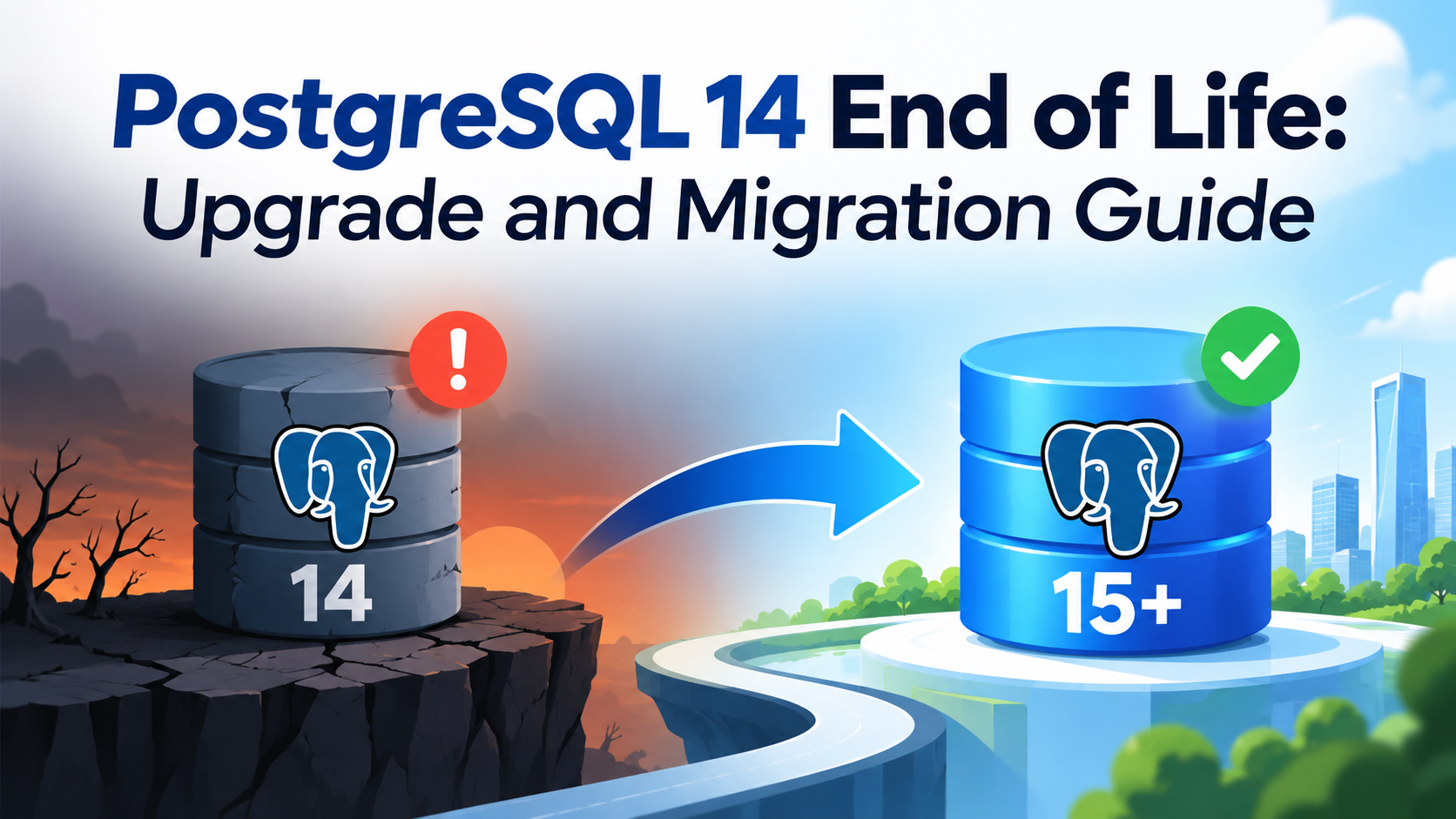
According to the official PostgreSQL project website, PostgreSQL 14 will stop receiving fixes on November 12, 2026.
Organizations using PostgreSQL 14 should therefore assess their existing environments and develop an upgrade plan rather than waiting until support ends.
This guide explains how to assess the current environment, choose a target release, test compatibility, migrate data, and validate the upgraded database.
Why Upgrade PostgreSQL 14?
Running a database version beyond its supported lifetime can increase operational risk.
Potential concerns include:
- No further community-provided fixes for that major release after support ends.
- Greater difficulty maintaining compliance with internal support policies.
- Increasing compatibility challenges with applications and infrastructure.
- Delayed adoption of improvements available in newer releases.
An upgrade should be planned around business requirements, application compatibility, support lifecycles, and operational readiness.
Which PostgreSQL Version Should You Choose?
PostgreSQL 18 is an established major release with official release notes available.
PostgreSQL 19 Release Candidate 1 was announced in October 2026, but a release candidate should not be treated as a production-ready substitute for a stable release.
For most production environments upgrading from PostgreSQL 14, the initial evaluation should focus on supported stable releases, such as PostgreSQL 17 or 18, subject to application compatibility and the project’s current support policy.
Before choosing a target, confirm the current minor release, support status, operating system compatibility, extension availability, and migration requirements.
Step 1: Check the Current PostgreSQL Version
Connect to the database and run:
SELECT version();For a shorter version string:
SHOW server_version;Check the database list:
SELECT
    datname,
    pg_size_pretty(pg_database_size(datname)) AS database_size
FROM pg_database
WHERE datistemplate = false
ORDER BY pg_database_size(datname) DESC;
This provides an initial view of the installed version and database sizes.
Step 2: Review Extensions and Replication
List installed extensions in the current database:
SELECT
    extname,
    extversion
FROM pg_extension
ORDER BY extname;
Review replication status on a primary server:
SELECT
    application_name,
    client_addr,
    state,
    sync_state,
    sent_lsn,
    write_lsn,
    flush_lsn,
    replay_lsn
FROM pg_stat_replication;
This query returns connected physical replication standbys. It does not show every possible replication configuration, such as logical replication subscribers.
Also review:
- Replication slots.
- Backup and recovery procedures.
- Custom extensions.
- Connection poolers.
- Monitoring agents.
- Scheduled jobs.
- Authentication configuration.
- Operating system and library dependencies.
Step 3: Choose a Migration Method
PostgreSQL major-version upgrades generally require a specific upgrade procedure.
The main options are:
Option 1: pg_upgrade
pg_upgrade supports upgrading an existing PostgreSQL cluster to a newer major version without requiring a complete logical export and import of all database objects.
The process requires careful preparation, supported source and target combinations, and validation.
Before using it, review the official documentation for the exact target release.
Option 2: Logical Dump and Restore
The pg_dump and pg_restore utilities can be used for logical migration.
For example, a custom-format backup of a database can be created using:
pg_dump -Fc -d application_db -f application_db.dumpRestore it into a prepared target database using:
pg_restore -d application_db application_db.dumpThese commands are examples, not a complete migration procedure. Roles, tablespaces, global objects, extensions, ownership, privileges, and application dependencies must also be handled.
For large production databases, dump-and-restore can require significant migration time and application downtime.
Option 3: Logical Replication
Logical replication may support a migration strategy with reduced downtime, depending on the source and target configuration.
However, it requires careful planning around schema changes, sequences, large objects, replication behavior, data consistency, and final cutover.
It should not be assumed to replicate every database object automatically.
Step 4: Test the Upgrade Before Production
Create a representative test environment and run the planned upgrade or migration.
Validate:
- Application connectivity.
- Authentication and permissions.
- Critical SQL queries.
- Indexes and constraints.
- Scheduled jobs.
- Extensions.
- Replication.
- Backup and restore.
- Monitoring and alerting.
- Application performance.
Compare execution plans and response times against the existing environment.
Where appropriate, refresh statistics after migration and investigate performance differences before approving production deployment.
Step 5: Prepare a Rollback Plan
A database upgrade should have an explicit recovery strategy.
Before production cutover:
- Take a verified backup.
- Confirm that recovery procedures work.
- Record the source environment’s configuration.
- Define the maintenance window.
- Agree on validation criteria.
- Document how the application will be redirected.
- Define the decision point for abandoning the cutover.
Do not assume that a migrated database can simply be switched back to the old cluster after new transactions have been accepted. Reconciliation of those transactions may be necessary.
PostgreSQL 14 Upgrade Checklist
Use the following checklist before approving the change:
- Confirm the current PostgreSQL version.
- Review the official support lifecycle.
- Select a supported target release.
- Check extension and application compatibility.
- Verify backup and recovery procedures.
- Assess database size and downtime requirements.
- Test the migration method.
- Validate replication and monitoring.
- Compare application performance.
- Document the cutover and recovery plan.
Conclusion
The PostgreSQL 14 support deadline makes upgrade planning a priority for organizations still running this release.
The best approach is to select an appropriate stable target, test the migration using a representative environment, and validate recovery before production cutover.
A documented upgrade process reduces risk and gives database administrators a clear path toward maintaining supported database infrastructure.
Official references
- PostgreSQL release information: https://www.postgresql.org/docs/release/
- PostgreSQL 18 release notes: https://www.postgresql.org/docs/18/release.html
- PostgreSQL official website: https://www.postgresql.org/
Suggested internal links